If you were to pass away tomorrow, your family wouldn’t just be mourning a loss; they would be embarking on a high-stakes digital scavenger hunt.
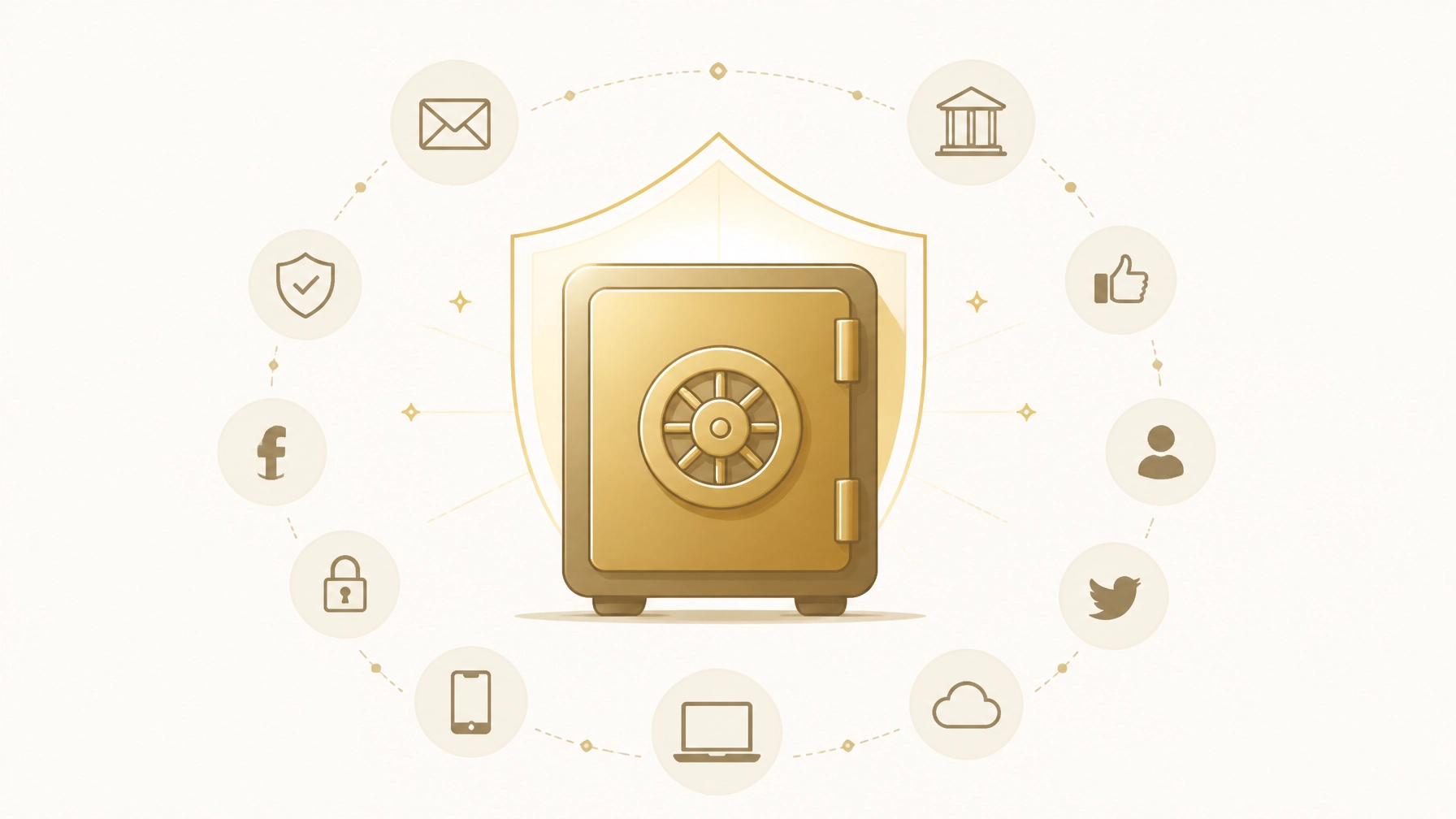
The average American now manages more than 100 online accounts protected by passwords. According to recent data, 48% of adults have zero instructions in place for their digital assets. Without a map, your heirs are left to guess which banks you used, which life insurance policies are active, and where a lifetime of family photos is stored.
The reality is grim: accounts are locked, subscriptions continue to bill your estate, and precious digital memories are often deleted by platforms due to "inactivity."
But there is a better way. You don’t need weeks of manual data entry to protect your family. You can map your entire digital footprint in under 10 minutes by leveraging the one place that already knows everything about you: your inbox.
Here is the 5-step authoritative guide to using the FinalKey Legacy Vault and its Email Scanner to organize your digital life for your heirs today.
Step 1: The 10-Minute Digital Audit
Most people fail to start their digital estate plan because the task feels insurmountable. They try to remember every account they’ve opened over the last decade. This is a losing game.
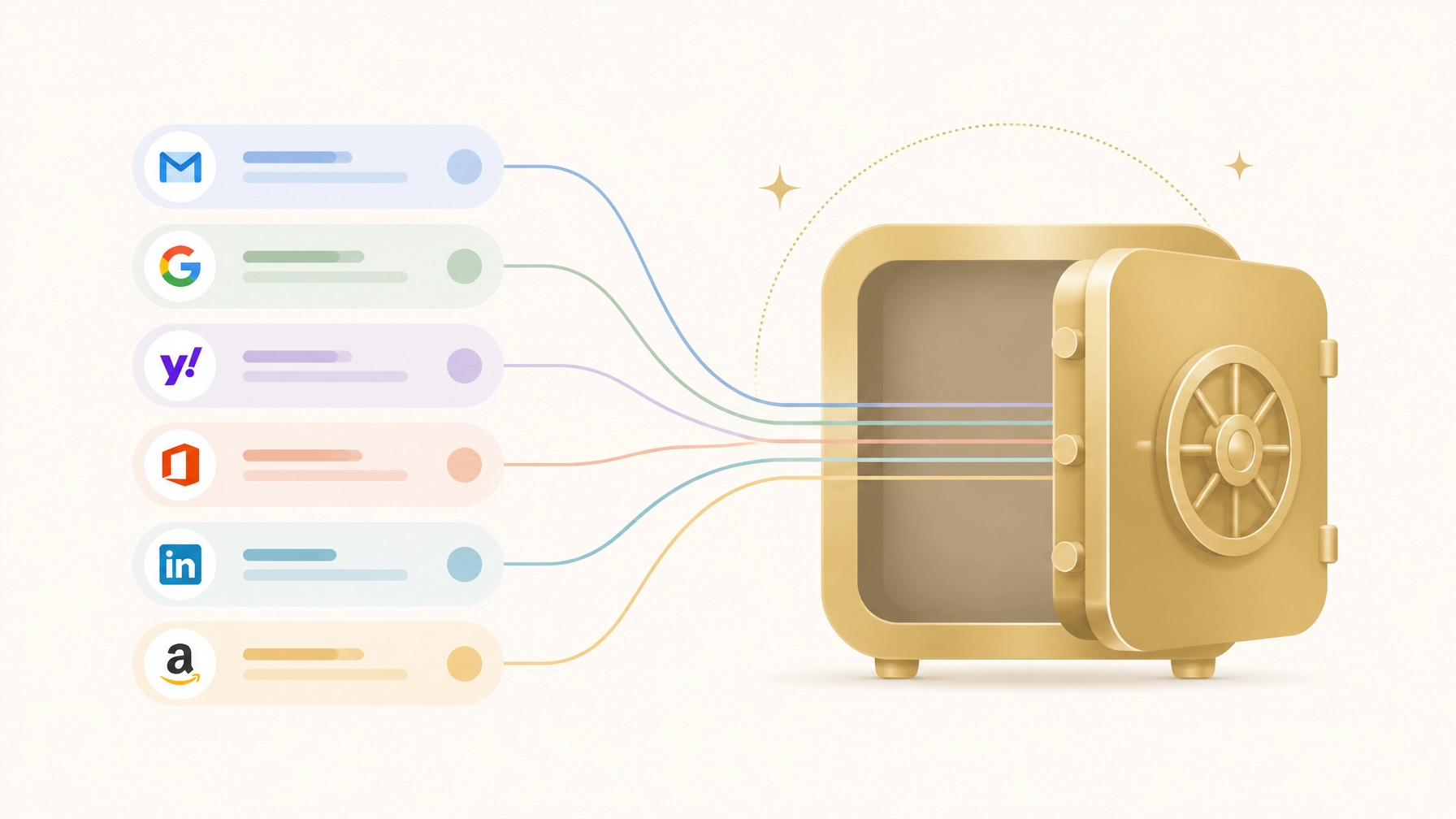
The FinalKey Legacy Vault simplifies this via its Email Scanner. Instead of manual entry, the scanner uses secure Google OAuth to search your inbox for account confirmations, monthly statements, and "Welcome" emails.
How it works:
- You connect your primary email account securely.
- The scanner identifies and categorizes forgotten accounts: from high-yield savings to that obscure life insurance policy you bought five years ago.
- It populates your vault automatically, turning a decade of digital chaos into a structured inventory.
The Reality vs. The Preparation
| The Reality (Without FinalKey) | The Preparation (With FinalKey Legacy Vault) |
|---|---|
| Heirs spend months "discovering" accounts via paper mail. | Heirs have a complete list of accounts on Day 1. |
| Subscriptions (Netflix, SaaS, Gyms) drain the estate. | All active subscriptions are identified and ready for cancellation. |
| Banks go to "unclaimed property" after years of silence. | Heirs have direct links to every financial portal. |

Step 2: Triage and Categorize Your Assets
An inventory is useless if it isn't organized. Once the Email Scanner identifies your accounts, you must categorize them to ensure your heirs know the purpose of each.
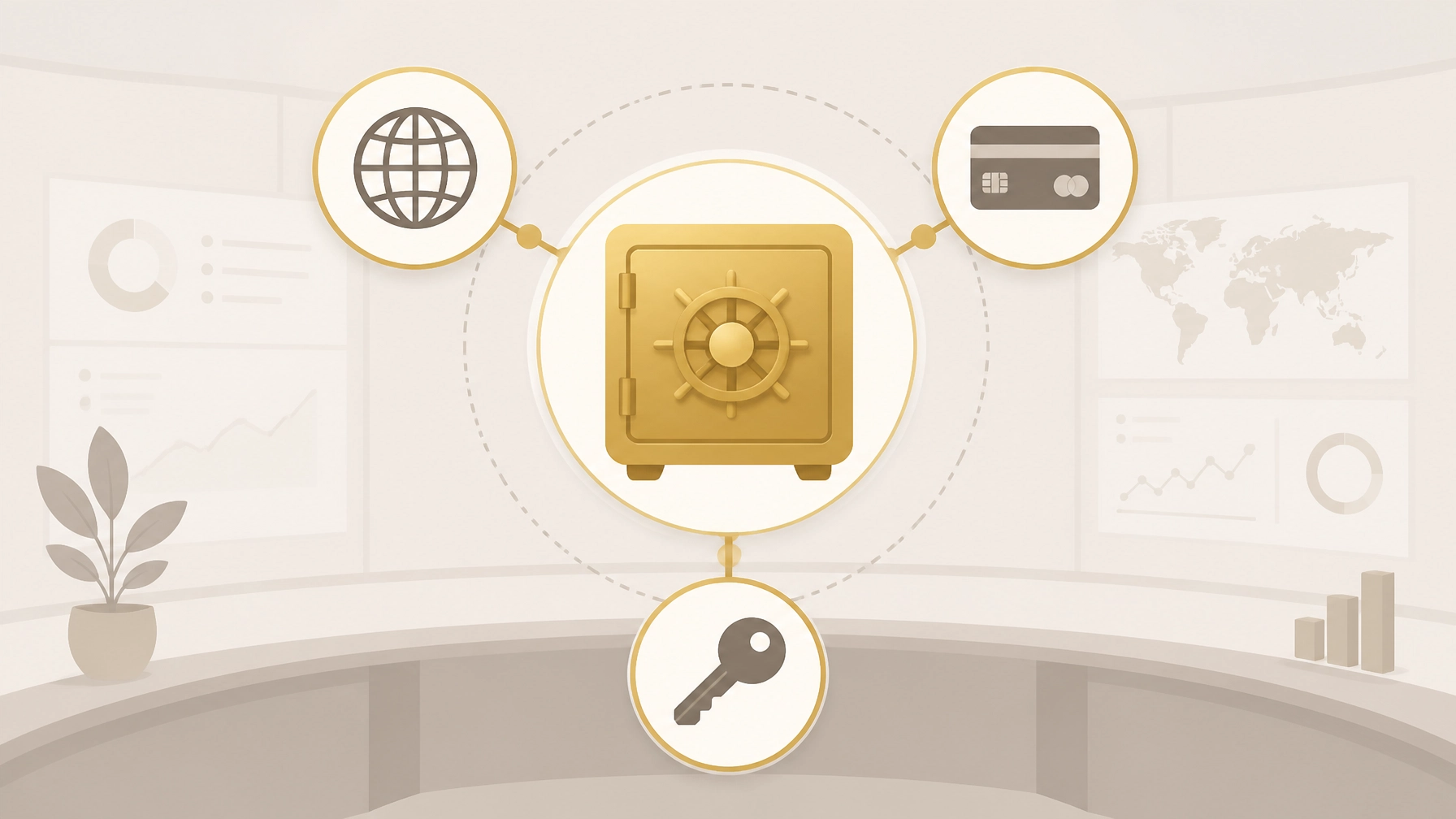
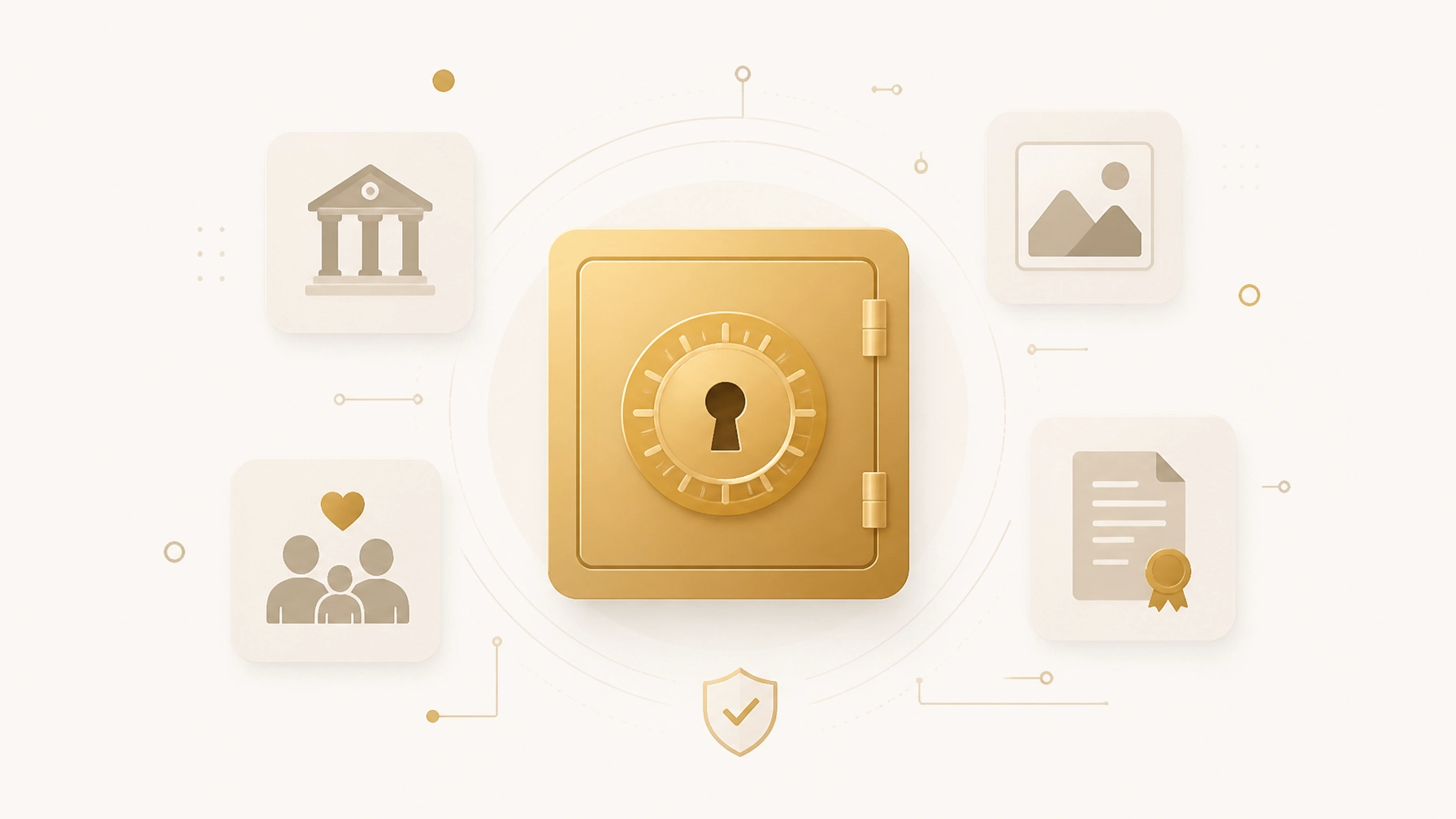
The FinalKey Legacy Vault organizes your life into 11 critical categories, ensuring no stone is left unturned. When mapping your life, focus on these four "Power Categories" first:
- Financial Accounts: Banks, brokerages, and retirement accounts.
- Insurance Policies: Life, home, and auto. (Many policies go unclaimed because heirs never knew they existed.)
- Business Infrastructure: If you are an online business owner, your Shopify, Stripe, and hosting logins are the lifeline of your brand.
- Final Arrangements: Your memorial wishes and funeral service preferences.
By categorizing these now, you transform a list of logins into a Business Continuity Plan for your life.
Step 3: Implement Zero-Knowledge Security
Security is often the biggest hurdle to organization. You might be hesitant to put all your "keys to the kingdom" in one place. You should be: unless that place uses Zero-Knowledge Architecture.
The FinalKey Legacy Vault uses AES-256 encryption. This means your data is encrypted before it ever leaves your device. We cannot read your data. We do not have a "master key." Only you and the beneficiaries you designate can unlock the vault.
Common Mistake: Storing passwords in a "Shared Note" or an unencrypted Excel sheet. This is a gift to hackers and provides no legal protection or organizational structure for your heirs.

Step 4: Utilize "Live Links" for Instant Access
One of the most frustrating parts of the "digital scavenger hunt" for heirs is not just the password: it’s the login page. Does your bank use a specific portal for estate executors? Where is the login for that domain registrar you haven't touched in three years?
Every entry in the FinalKey Legacy Vault includes a Live Link. This is a direct URL to the login or portal page of the service.
When your heir accesses the vault, they don't have to search Google for "How to close a [Bank Name] account." They simply click the link, use the provided credentials, and handle the business. This feature alone can save your family dozens of hours of administrative frustration.
Step 5: Designate Your Digital Heirs
A vault is a tomb if no one has the key. The final step in mapping your digital life is designating who gets access and under what conditions.
Unlike traditional password managers that require a monthly subscription (and often lock the family out if the credit card on file expires after you pass), FinalKey Legacy Vault operates on a one-time payment model. This ensures your vault stays active and accessible when it is needed most, without the risk of account deletion due to a failed billing cycle.
Action Plan (5 Minutes):
- Log into your FinalKey Legacy Vault.
- Navigate to the "Beneficiaries" tab.
- Add the email addresses of your trusted heirs or estate planner.
- Set the access parameters (e.g., immediate access or access after a verification period).
The Digital Estate Checklist
To ensure your map is complete, use this checklist during your next 10-minute session in the vault:
- Primary Email: The "Master Key" to all other accounts.
- Financial: All banks, credit cards, and investment portals.
- Legal: Links to digital copies of your will and trust.
- Home Security: Logins for cameras, smart locks, and utilities.
- Social & Legacy: Instructions for Facebook Memorialization or Google Inactive Account Manager.

Frequently Asked Questions
Q: Is the Email Scanner safe?
A: Yes. The scanner uses Google OAuth, meaning we never see your email password. It only looks for "metadata" (sender and subject lines) to identify which services you use. It does not read your private messages.
Q: Can’t I just use a regular password manager?
A: Password managers are for you. FinalKey Legacy Vault is for them. Most password managers are difficult for heirs to navigate, lack categorization for legal documents, and can be deleted if the monthly subscription fails. FinalKey is a permanent, organized legacy solution.
Q: How do I handle accounts with Two-Factor Authentication (2FA)?
A: We recommend including instructions in your "Final Arrangements" drawer regarding your physical smartphone or hardware keys. This is a crucial step in organizing digital accounts after death.
Q: What happens if I forget my master password?
A: Because we are a Zero-Knowledge service, we cannot reset your password. We provide a Recovery Key during setup. Print this, put it in a physical safe, and tell your digital executor where it is.
Stop the Scavenger Hunt Before It Starts
Your legacy isn't just the money you leave behind: it’s the clarity you provide to the people you love. Mapping your digital life doesn't have to be a chore. With the FinalKey Legacy Vault Email Scanner, you can turn a mountain of unorganized accounts into a clear, secure roadmap in minutes.
Don't leave your family in the dark. Organize your digital life today.