Most people believe that having a will or a trust is enough to protect their family. It isn't. In the digital age, your most valuable information is hidden behind layers of encryption, two-factor authentication, and "Terms of Service" agreements that legally terminate your rights the moment you stop breathing.
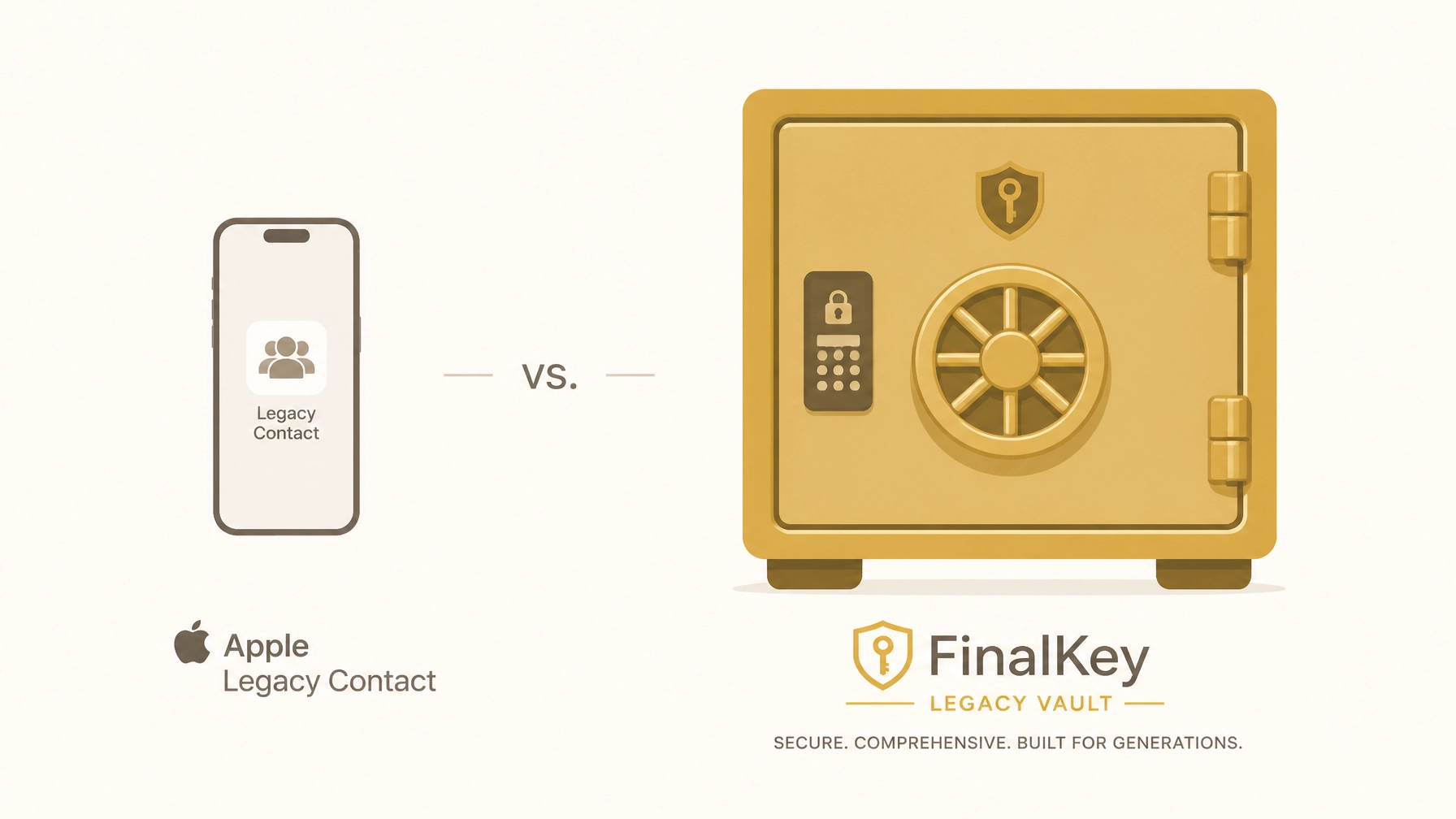
If you are an Apple user, you might have heard of the Apple Legacy Contact feature. While it is a step in the right direction, relying on it as your sole estate planning tool is a dangerous gamble. In fact, Apple’s feature ignores nearly 90% of your digital footprint, including your bank logins, password managers, and business infrastructure.
Without a comprehensive system like the FinalKey Legacy Vault, your family is headed for a "Digital Jigsaw Puzzle" that could last years and cost thousands in legal fees.
The Reality: What Apple Legacy Contact Actually Does (and Doesn’t) Do
Apple Legacy Contact allows you to designate a person to access your iCloud data after you pass away. It sounds simple, but the fine print is alarming.
The "All-or-Nothing" Problem
When your Legacy Contact finally gets access (which requires a death certificate and a court-reviewed access key), Apple grants them access to your photos, messages, and notes. However, it explicitly excludes your iCloud Keychain.
This means your heir will have your vacation photos, but they will not have the password to your bank account, your life insurance portal, or your crypto wallet.
The 3-Year Deletion Timer
Once Apple approves a Legacy Contact request, your original account is essentially flagged for termination. After a period (typically three years), Apple reserves the right to permanently delete the account and all data within it. If your family hasn't managed to extract everything or resolve the probate process within that window, that data is gone forever.
The Ecosystem Trap
Apple Legacy Contact only works for Apple services. It does nothing for your Amazon account, your Spotify subscription, your Shopify store, or your external hard drives. For a modern head of household or online business owner, this is a massive oversight.

The Solution: Why a Digital Legacy Vault is Mandatory
A secure online vault for families, specifically the FinalKey Legacy Vault, is designed to bridge the gap that big tech leaves behind. Instead of just "sharing photos," a vault serves as a centralized command center for your entire life's infrastructure.
1. The 11 Essential Asset Categories
While Apple looks at "data," the FinalKey Legacy Vault looks at "assets." Our vault organizes your life into 11 distinct categories, ensuring nothing is missed:
- Financial Accounts: Checking, savings, and brokerage details.
- Insurance Policies: Life, home, and auto insurance portals.
- Legal Documents: Digital copies of your will, trust, and POA.
- Home Security: Access to cameras, smart locks, and alarms.
- Online Businesses: Hosting, domains, and payment processors.
- Social Media: Instructions for memorialization or deletion.
- Final Arrangements: Memorial wishes and pre-paid funeral plans.
2. Live Links: The End of the Scavenger Hunt
The biggest hurdle for heirs isn't just knowing a password; it’s knowing where the account is located. FinalKey Legacy Vault includes "Live Links." Every entry in your vault features a direct link to the specific login or portal page. Your family doesn't have to guess if you use Chase or Wells Fargo; they simply click and proceed.

Side-by-Side: Apple Legacy Contact vs. FinalKey Legacy Vault
| Feature | Apple Legacy Contact | FinalKey Legacy Vault |
|---|---|---|
| Scope | iCloud Data only (Photos, Mail, Notes) | Your entire digital life (11 categories) |
| Passwords | No. Keychain is excluded | Yes. Full password integration |
| Financial Access | No. No bank or insurance info | Yes. Direct links to portals |
| Business Assets | No. | Yes. Domains, hosting, payment processors |
| Complexity | Manual setup per device | Automated via Email Scanner |
| Privacy | Apple holds the keys | Zero-Knowledge (Only you and heirs have access) |
| Pricing | Free (but limited) | One-time payment (No subscriptions) |
The Security Myth: Is it Safe?
Many people hesitate to put all their "eggs in one basket" because they fear a data breach. This is a logical concern, but it’s solved through Zero-Knowledge Security.
The FinalKey Legacy Vault uses AES-256 encryption. This means your data is encrypted on your device before it ever reaches our servers. We do not have your master password. We cannot see your bank account numbers. We cannot read your final wishes. Even if our servers were compromised, the data would be useless "digital noise" to an intruder.
You own the keys. Your family gets the keys. We just provide the vault.

Why Business Owners Need More Than a Password Manager
If you own an e-commerce store, a YouTube channel, or a digital marketing agency, your business is a collection of dozens of "invisible" assets. If you pass away, your Shopify store keeps charging customers, your hosting bill comes due, and your domain might expire.
A standard password manager (like LastPass or 1Password) is built for daily convenience, not for legacy handoff. They often lack the context required for a partner or heir to step in and keep the business running. FinalKey Legacy Vault acts as a Business Command Center, providing the "how-to" alongside the "login" so your business doesn't collapse during a family crisis.

Action Plan: Secure Your Legacy in 10 Minutes
Preparation doesn't have to be a multi-month project. You can stop the "Digital Jigsaw Puzzle" today by following these steps:
- Run the Email Scanner: Use the FinalKey Legacy Vault automated scanner to identify every account tied to your primary email address. This turns 10 years of "forgotten" accounts into an organized list in under 5 minutes.
- Import Your Passwords: Use our guide to export browser passwords and import them directly into your secure vault.
- Designate a Beneficiary: Choose one or two trusted individuals who will receive access to your vault if something happens to you.
- Reference the Vault in Your Will: Tell your attorney that your digital asset inventory is stored within the FinalKey Legacy Vault. This provides legal clarity for your executor.
Frequently Asked Questions
Q: Can't I just write my passwords on a piece of paper?
A: You can, but paper doesn't update when you change your password. It also doesn't include 2FA codes or the "Live Links" needed to find the account. Paper is easily lost, stolen, or destroyed in a fire.
Q: Does Apple Legacy Contact cost anything?
A: No, it's free. We actually recommend you set it up as a backup for your photos, but it should never be your primary strategy for financial or business assets.
Q: What happens if I forget my master password?
A: Because we use Zero-Knowledge architecture, we cannot reset your password. You will be provided with a physical recovery key during setup. You must keep this in a safe place (like a physical safe or with your attorney).
Q: Is FinalKey a subscription service?
A: No. We believe legacy planning should be a permanent fix, not a monthly bill. We offer a simple one-time payment structure that gives you lifetime access to the vault.
The most important thing you leave behind isn't money. It's clarity. Don't leave your family with a locked phone and a mountain of questions. Build your FinalKey Legacy Vault today.