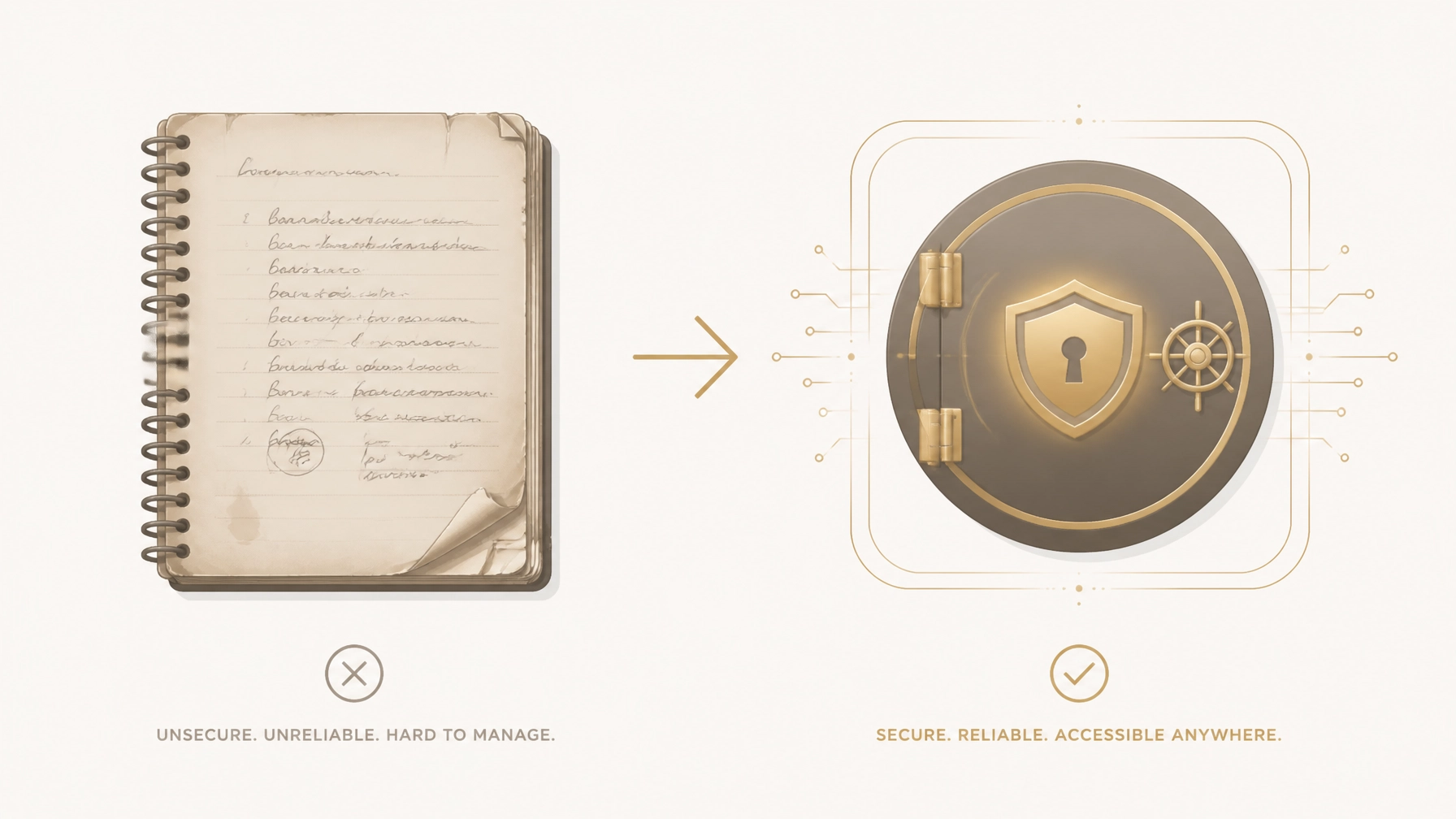
For decades, the "hidden" notebook in the top dresser drawer or the post-it note stuck under the keyboard was the gold standard for password management. It felt safe because it was physical. It felt secure because it wasn't "on the internet."
The reality is far more dangerous.
Security experts now warn that 80% of data breaches are caused by weak or reused passwords: a direct result of trying to remember complex logins or relying on physical lists that can't be updated easily. If you are still using a paper list to manage your life, you aren't just risking a minor inconvenience; you are leaving your entire financial and digital legacy vulnerable to physical destruction, theft, and an "Account Archaeology" that will haunt your heirs for years.
In this guide, we will break down why your paper list is a ticking time bomb and how a digital legacy vault like the FinalKey Legacy Vault provides a professional, zero-knowledge solution to protect your family’s future.
The Myth of the "Safe" Paper Notebook
Many people believe that keeping passwords offline protects them from hackers in Russia or China. While it’s true that a piece of paper cannot be "brute-forced" by a botnet, it suffers from zero encryption and zero access control.
The Physical Liability
If a stranger enters your home: whether it’s a contractor, a guest, or a burglar: a paper list is a "map to the kingdom." It takes exactly three seconds for someone to snap a photo of your password list with a smartphone. They don't need to steal the notebook; they just need the image. From that moment, your bank accounts, retirement funds, and identity are compromised, and you won't even know it happened until your accounts are drained.
The Risk of Total Loss
Unlike digital data, paper is fragile. Fire, flood, or simple misplacement can result in the permanent loss of your digital access.
- Fire: A standard house fire reaches 1,100°F in minutes. Paper ignites at 451°F.
- Theft: If your house is robbed, a notebook is often grabbed as a high-value item because thieves know it contains "the keys."
- Loss: As we age, "safe places" become harder to remember. A notebook tucked away for "safekeeping" often becomes a lost asset that prevents you from accessing your own life.

Why Paper Lists Fail Your Family (The Account Archaeology)
The greatest risk of a paper password list isn't what happens while you are alive: it’s the chaos it leaves behind when you pass away.
When an estate executor or a grieving spouse tries to wrap up your affairs, they need immediate access to your accounts. If your "system" is a scribbled notebook, they are forced into an 18-month nightmare of legal hurdles.
- The Decryption Problem: Is that a "1" or an "l"? A "0" or an "O"? Handwritten errors lead to locked accounts and permanent lockouts.
- The Location Problem: If they can't find the notebook, they have to file for court orders (Letters of Testamentary) for every single bank and service provider.
- The Dead Link Problem: Paper doesn't tell your family where the account is. It just provides a username and password. They still have to hunt for the login portal, the bank's specific URL, or the insurance company’s claim page.
The Solution: The FinalKey Legacy Vault uses "Live Links." Every entry in your vault includes a direct link to the login page, so your family doesn't have to search for where accounts live. They simply click and enter.
"The Reality" vs. "The Preparation"
Is your current method enough to protect your family? Compare the two approaches below:
| Feature | Paper Password List | FinalKey Legacy Vault |
|---|---|---|
| Encryption | None (Plain Text) | AES-256 Zero-Knowledge |
| Accessibility | Only where the paper is | Encrypted access from anywhere |
| Searchability | Flip through pages | Instant Search & Categorization |
| Disaster Recovery | None (Lost if burned) | Secure, encrypted cloud backup |
| Heir Handoff | "Account Archaeology" | One-click emergency access |
| Updates | Messy scribbles/crossing out | Auto-sync with Email Scanner |
How to Secure Digital Assets the Modern Way
The transition from paper to a digital legacy vault doesn't have to take hours. In fact, most people can organize their entire digital life in under 10 minutes.
1. Stop Using Memory or Paper
Memorable passwords are crackable passwords. To truly secure your assets, you need complex, unique strings for every site. A digital vault stores these for you so you never have to remember them.
2. Use a Zero-Knowledge System
Security is only as good as the company's privacy policy. The FinalKey Legacy Vault is built on a Zero-Knowledge architecture. This means your data is encrypted on your device before it ever reaches our servers. We cannot read your passwords, see your bank details, or access your photos. Even if we were subpoenaed, we would have nothing to give because we don't hold the key: you do.
3. Automate the Inventory
The hardest part of moving off paper is remembering everything you have. This is where FinalKey shines. Our Email Scanner uses Google OAuth to identify and categorize forgotten accounts: bank accounts, subscriptions, insurance, and utilities: from your inbox. It turns a month-long project into a 2-minute automated scan.

Your 10-Minute Action Plan
Don't wait for a "close call" to change your habits. Follow these steps today:
- Stop Writing New Passwords Down: If you create a new account today, put it directly into a secure vault.
- Scan Your Inbox: Use the FinalKey Email Scanner to find all your existing accounts. You’ll be shocked at how many "ghost subscriptions" and old bank accounts you’ve forgotten.
- Identify Your "Critical Five": Ensure your primary bank, your primary email, your mortgage/rent portal, your life insurance, and your phone provider are in the vault first.
- Designate a Legacy Contact: Use our guide on digital accounts after death to understand who needs access and how to set them up.
Why FinalKey Legacy Vault?
Unlike traditional password managers that charge you $40–$100 every single year, FinalKey operates on a one-time payment structure. We believe your legacy shouldn't be held hostage by a subscription.
We focus on more than just "logins." We provide a centralized command center for your entire life, including:
- Financial Accounts: Banks, 401ks, and crypto.
- Final Arrangements: Memorial wishes and funeral service instructions.
- Business Infrastructure: For Shopify store owners and digital marketers, a way to hand off hosting and ad platforms to a partner.

Frequently Asked Questions (FAQ)
Is a digital vault harder to use than paper?
Actually, it’s easier. With our browser extensions and mobile app, your passwords "autofill" when you visit a site. No more squinting at your own handwriting or re-typing 20-character strings.
What happens if FinalKey goes out of business?
Because we use Zero-Knowledge AES-256 encryption, you can export your data at any time. We even provide a guide on exporting passwords to ensure you are never locked into our ecosystem.
Can't hackers just get into the vault?
To get into your FinalKey Legacy Vault, a hacker would need your unique master password and your physical two-factor authentication device. This is infinitely harder than someone simply picking up a notebook from your desk.
Does this replace my Will?
No. A Will handles the legal transfer of property, but it does not provide the technical access to accounts. You need both. Think of your Will as the legal right to the house, and the FinalKey Legacy Vault as the keys to the front door.
Protect your family from the "Account Archaeology." Stop relying on the fragility of paper and start building your secure legacy today.
Leave a Reply