If you vanished tomorrow, could someone else run your business?
For the modern e-commerce founder, Shopify store owner, or digital marketer, the answer is usually a resounding "no." Your business doesn't live in a filing cabinet; it lives across dozens of browser tabs, two-factor authentication (MFA) apps, and personal email accounts.
Without a clear "Digital Command Center," your business isn't an asset, it’s a digital scavenger hunt for your family or heirs. When you aren't there to provide the password or the SMS code, the very systems that generate your revenue can lock everyone out, leading to frozen payouts, expired domains, and total operational collapse.
The Brutal Reality of Digital Succession
The statistics on business continuity are a wake-up call for every entrepreneur:
- Only ~30% of small businesses listed for sale ever find a buyer, often because the "digital keys" are too tangled to transfer cleanly.
- Nearly 66% of family businesses lack a documented, communicated succession plan.
- Only 9% of businesses have a formalized digital handover strategy.
For an online business, "succession" isn't just a legal document, it’s a technical one. If your Shopify store is tied to your personal phone for 2FA, your death or incapacity could mean your family loses access to the storefront while orders continue to pile up and customers demand refunds you can't process.
The Three Pillars of Your Business Infrastructure
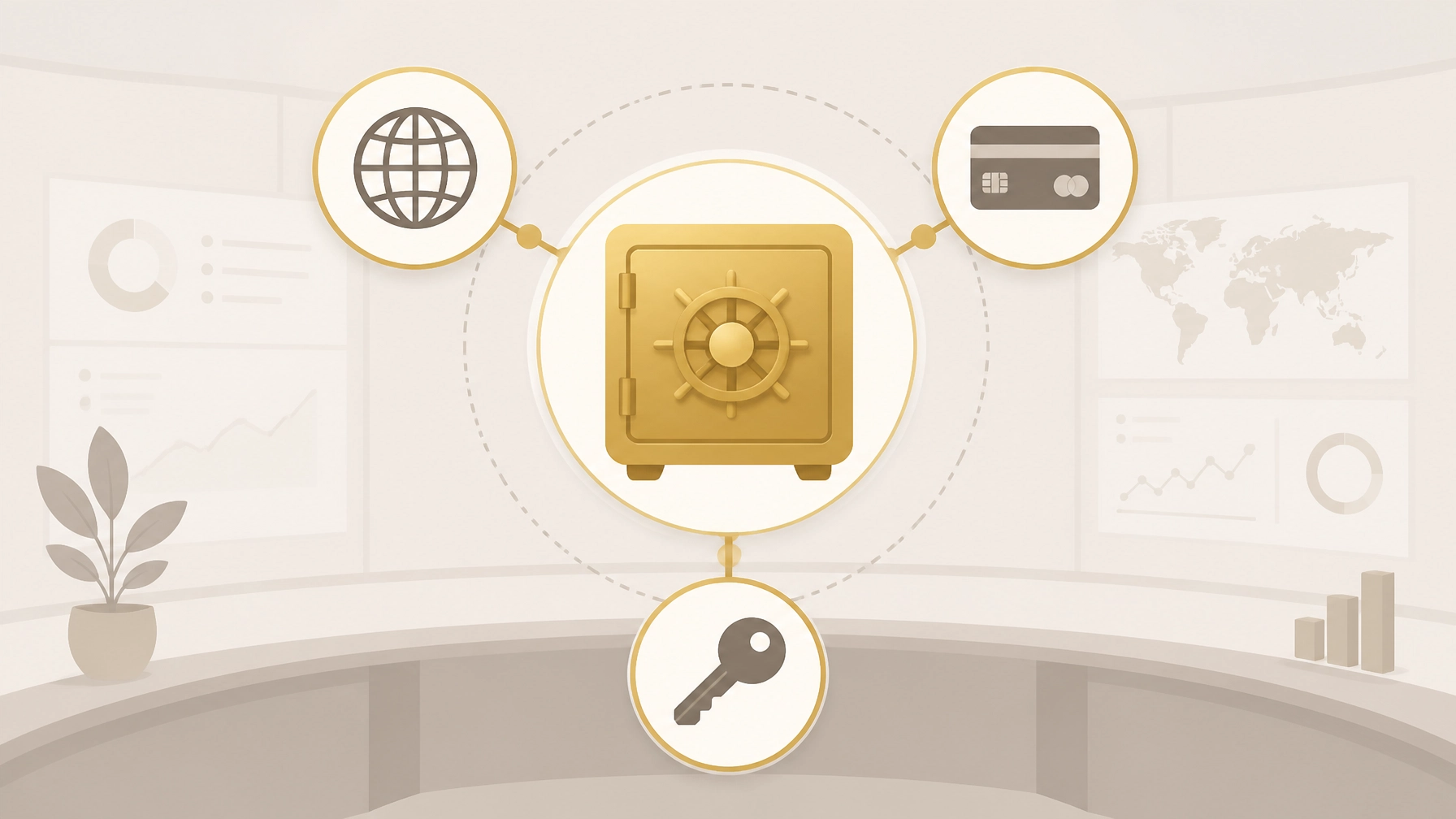
To avoid chaos, you must organize your digital life into three critical pillars. If any one of these is missing or inaccessible, the business dies with your access.
1. The Revenue Engine (Payment Processors) 💳
Your Stripe, PayPal, or merchant accounts are the lifeblood of your cash flow. These platforms have strict "Know Your Customer" (KYC) rules. If they detect a login from an unrecognized device or cannot verify the identity of the person trying to access the funds, they will freeze the balance.
- The Risk: Funds sitting in rolling reserves or unclaimed balances can be lost for years in probate.
2. The Digital Property (Domains & Hosting) 🌐
Your domain name (e.g., yourbusiness.com) is your most valuable intellectual property. If the auto-renew fails because your personal credit card was canceled, your entire website, email system, and customer portal disappear overnight.
- The Risk: Once a domain expires and enters the "redemption period," it can be nearly impossible (and incredibly expensive) to get back.
3. The Growth Stack (Ad Platforms & CRM) 📈
Your Meta Ads Manager, Google Ads, and Klaviyo/Mailchimp accounts hold years of optimization data and customer lists.
- The Risk: These accounts are often "personally" owned by your social profile. If your personal Facebook account is memorialized or locked, the business's ad accounts can become "orphaned," wasting thousands in automated ad spend that no one can turn off.

Why "Just Using a Password Manager" Isn't Enough
Many business owners think they are prepared because they use a standard password manager. This is a dangerous misconception. Standard password managers solve for access, but they don't solve for instruction or continuity.
The MFA Trap: Most password managers don't store your 2FA seeds or account recovery codes. If your family has your password but doesn't have your physical phone to receive the SMS code, they are still locked out.
The Discovery Problem: Does your spouse know you have a separate hosting provider for your blog, a different one for your store, and a third for your email? A list of 200 passwords without context is just more noise during a crisis.
The Solution: FinalKey Legacy Vault
The FinalKey Legacy Vault is designed specifically to turn this chaos into a streamlined "Command Center." Unlike a standard vault, it is built with the "Direct Handover" in mind.

How FinalKey Solves the Business Handover:
- Live Links: We don't just store the password. Every entry in your FinalKey Legacy Vault includes a direct link to the login or portal page. Your family doesn't have to guess where your domains are registered; they just click and log in.
- Automated Discovery: Use our Email Scanner (via Google OAuth) to identify forgotten accounts like insurance, obscure SaaS tools, and old domains in under 10 minutes.
- Zero-Knowledge Security: Your business data is encrypted with AES-256. Not even the FinalKey team can see your infrastructure. You own the keys.
- One-Time Investment: Unlike expensive annual subscriptions that might lapse if your card is canceled, FinalKey offers a one-time payment structure. This ensures the vault stays open for your heirs when they need it most.
The 10-Minute Digital Handover Action Plan
Don't wait for a "worst-case scenario." Follow this micro-guide to secure your business infrastructure today:
- Run the Scanner: Connect your business email to the FinalKey Email Scanner to find every account you’ve ever signed up for.
- Identify the "Big Five": Ensure you have entries for your Domain Registrar, Web Host, Primary Email Admin, Payment Processor, and Main Ad Platform.
- Add "Successor Instructions": In the notes section of your FinalKey entries, add a simple one-sentence instruction (e.g., "Contact our account manager Sarah at Stripe if this account locks").
- Designate a Beneficiary: Use our Beneficiary Designation Guide to ensure your "Digital Executor" knows they have access to the vault.
- Download Your Checklist: Keep a physical or digital copy of our Digital Legacy Checklist to track your progress.

The Cost of Inaction vs. The Value of Preparation
"What happens to my digital accounts after I'm gone?" is a question most entrepreneurs ignore until it's too late. Without preparation, your business faces months of legal hurdles and potential liquidation. With a FinalKey Legacy Vault, you aren't just buying software; you are buying an insurance policy for your business's survival.
| Feature | The Reality (No Plan) | The Preparation (FinalKey) |
|---|---|---|
| Access Time | Weeks or Months (Legal/Probate) | Minutes (Live Links) |
| Security | Shared passwords on sticky notes | AES-256 Zero-Knowledge Encryption |
| Continuity | Revenue stops; accounts expire | Business-as-usual for your heirs |
| Cost | Thousands in legal/lost revenue | One-time affordable payment |

Frequently Asked Questions
Q: Can't I just put my passwords in my Will?
A: Myth Busted. A Will is a public document once it goes to probate. You should never put actual passwords in a Will. Furthermore, a Will doesn't provide the "Live Links" or the 2FA instructions needed to actually use the accounts.
Q: Is FinalKey secure enough for my business logins?
A: Yes. We use a zero-knowledge architecture. This means your data is encrypted on your device before it ever reaches our servers. We have no way to see or sell your business data.
Q: What if I have hundreds of accounts?
A: Our automation tools, including the Password Finder, help you import and organize hundreds of logins in minutes, categorizing them into our 11 asset categories.
Q: Does my beneficiary need their own account?
A: You can designate how your beneficiary accesses the vault. We provide clear paths for them to step in without needing to be a tech expert.

Your Business Deserves a Legacy, Not a Scavenger Hunt
You've spent years building your business. Don't let a missing password or a locked iPhone be the reason it disappears. Secure your infrastructure, protect your family, and ensure your hard work lives on.